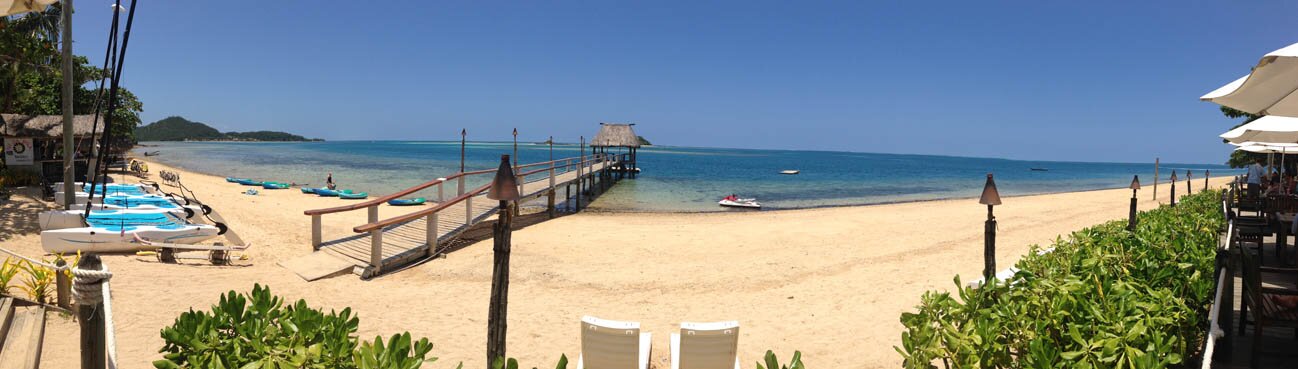
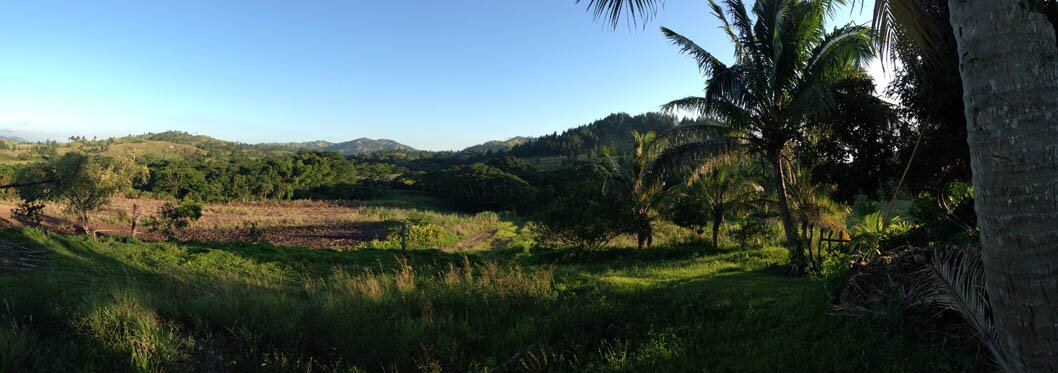
I recently took a 2 week trip to Fiji to visit my grandparents and take a break from the hustle and bustle of Sydney. Usually when I (and most people I know) go on trips abroad, I usually get money exchanged into the currency of the destination. Note – obligatory happy snaps ahead!
This trip I decided to do something a little different.
Options available
Let’s back track slightly and talk about the most common options available for spending overseas:
1. Foreign conversion of funds in the departing country
2. Foreign conversion of funds in the arriving country
3. Travellers cheques
4. VISA/MasterCard/AMEX
With 1 and 2 I have to carry around a large amount physical cash which I avoid. I also always feel I am always getting the short-end of the stick with exchange rates – especially if you do it at the airport just prior to leaving. With 3, again you have a physical object which needs to be carried around and looked after but you get the extra security.
The other piece missing with these first 3 methods is that tracking your spending becomes difficult – during or post holiday. Who hasn’t gone over budget during holiday and had to pull out extra cash from the ATM – after all – it is a holiday! But still you’ld like to be somewhat in control. I’ll pick up on this aspect in a follow-up post – Part II (coming soon).
The beauty of cards
Which brings us to 4 – credit-cards. You get a lot by using credit-cards –
– security
– not having to carry physical objects
– ubiquitous around the world
– tracking!
Previously when I’ve used credit-cards – I would always get charged an overseas transaction fee on-top of the currency conversion that takes place. So I seldom used this method. However – recently I discovered a few cards which don’t charge these fees. The ‘goodness’ doesn’t end there – the exchange rate that is used by these providers is very close to the published exchange rates that you see on the news – which are much better than any exchange rate you will get at an currency exchange.
What I use
The two most common cards with these features are 28 Degrees (MasterCard) and Citibank Plus (Visa Debit Card) – you can see both of these here. For my trip I choose the Citibank Plus card since I didn’t require a credit card but still wanted the Visa benefits.
So how did it go.
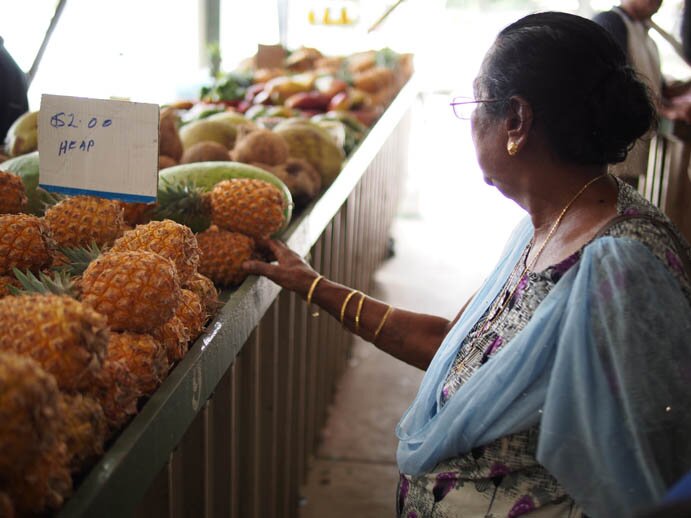
The majority of stores, resorts and restaurants have Eftpos and credit-card facilities – which was awesome because I didn’t have to worry about making sure I had enough cash on me.
When I arrived in Fiji I used the card to withdraw cash from the ATM – to get by for the ad-hoc things where cash was easier/faster or where they didn’t have credit facilities. Another added bonus of Citibank is that they have ATM’s globally and also don’t charge a foreign ATM fee – and since it’s a Visa Debit – it’s not an overdraft. I did this a couple of times during the trip – the added benefit of not having to worry about cash outweighs the relatively small local ATM fees that you get charged.
I would highly recommend anyone traveling abroad to get one of these cards if they don’t already have one – link. It is very much inline with our core philosophy here at Pocketbook – simplicity.
I’ll continue this post in Part II of my trip to Fiji